Composition
Designing a Fish Illustration for a Vertical Screen
Build the subject around the clock, icon field and crop—not around an empty canvas.
Read the articleAquatic illustration and mobile design
Explore fish illustrations, neon water scenes and practical guides to choosing artwork for your phone.
Collection
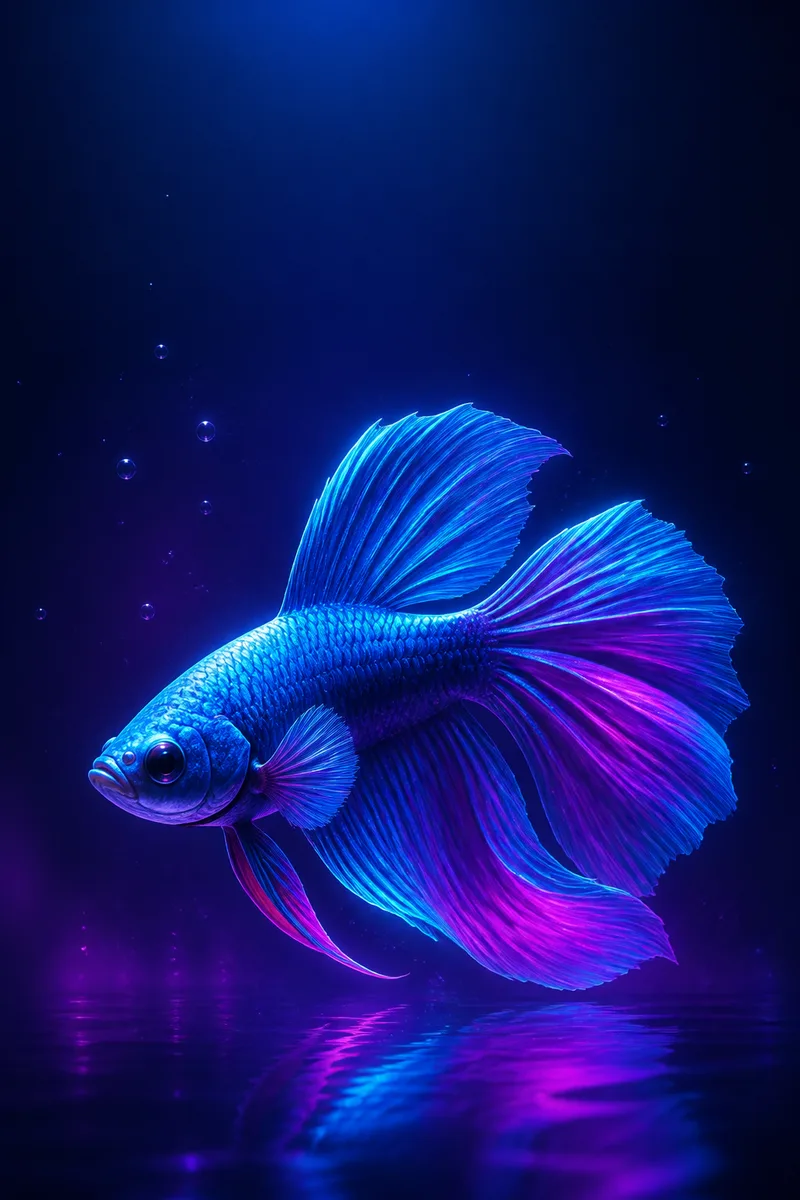
Fish illustrations built around a readable subject, luminous edges and quiet space for a phone interface.
↗02Collection
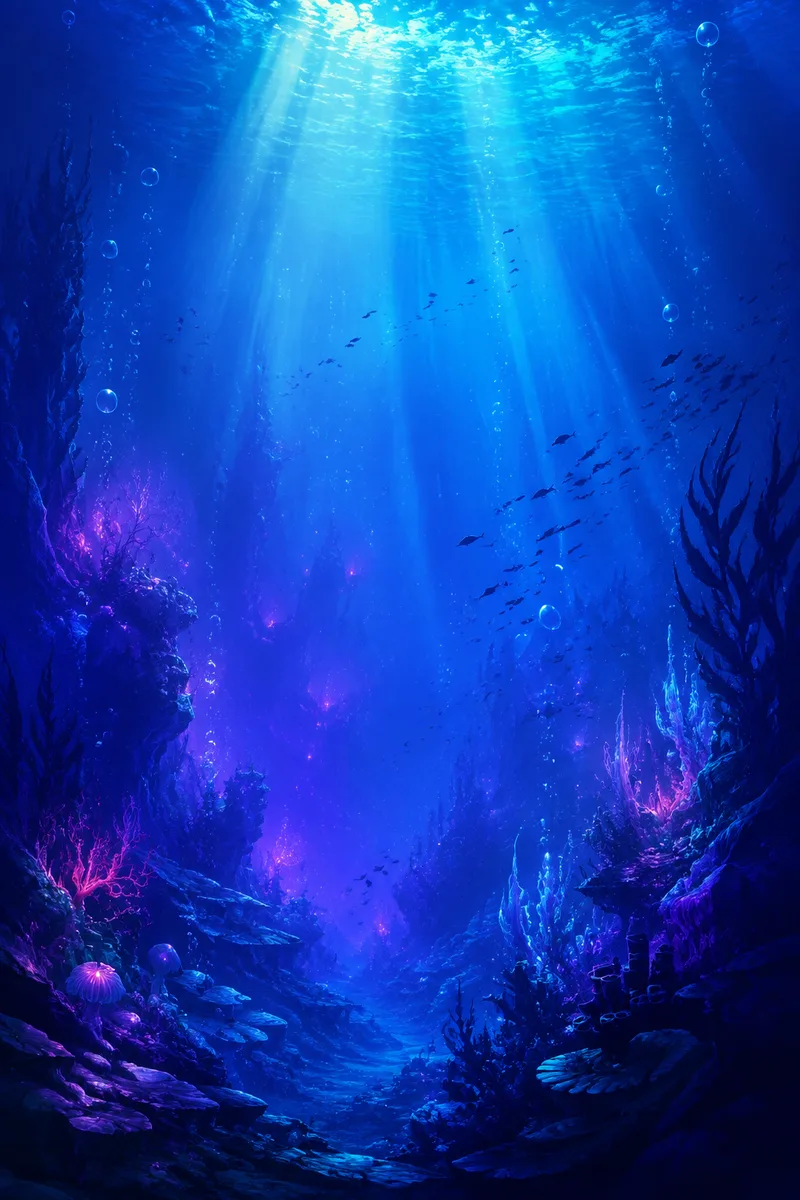
Fantasy underwater compositions with bubbles, layered silhouettes and cyan light shafts.
↗03Collection
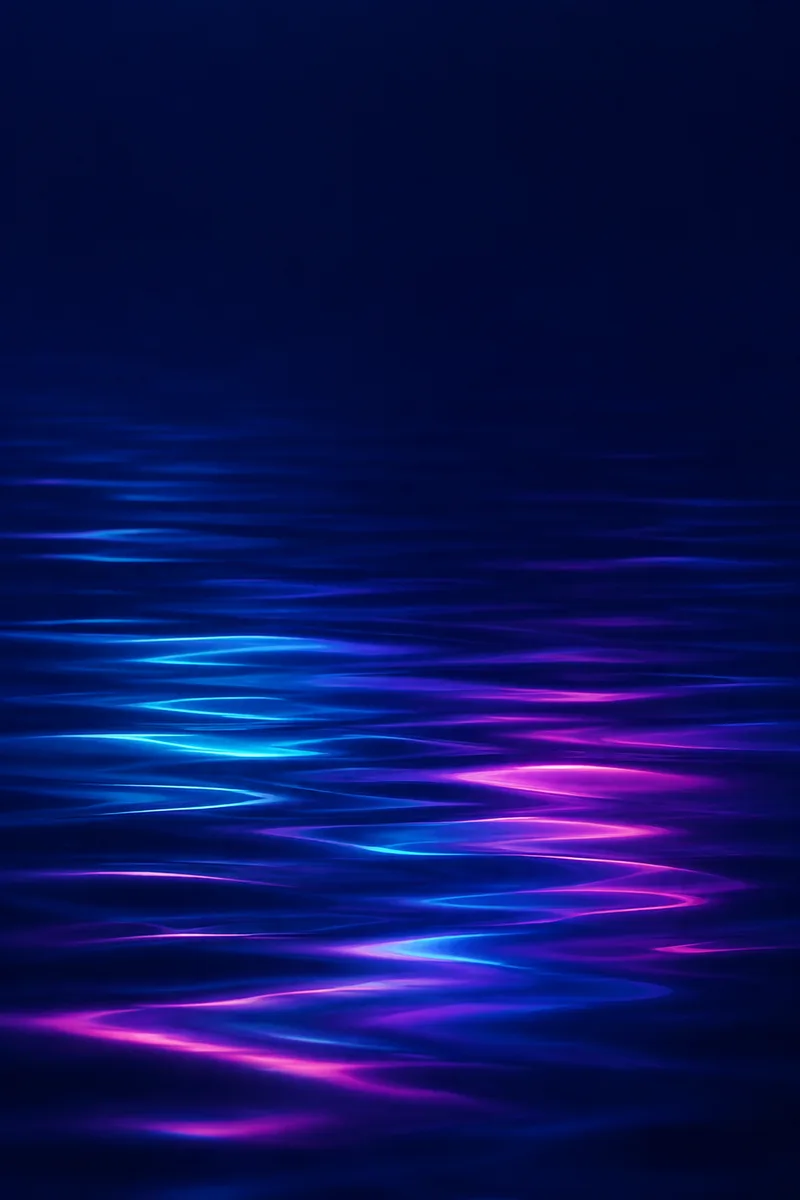
Abstract water surfaces and minimal textures designed to sit behind clocks and icons.
↗Latest stories
Six practical essays explain silhouette, color, reflection, negative space, simplification and honest file labelling.
Composition
Build the subject around the clock, icon field and crop—not around an empty canvas.
Read the articleColor
Control value and proportion so three luminous hues create depth instead of visual noise.
Read the articleTechnique
Reflections become convincing when they respond to plane, movement and light—not when they mirror everything equally.
Read the articleMobile design
Negative space, contrast and preview testing matter more than an empty-looking background.
Read the articleArt direction
Reduce detail by preserving the visual idea, not by blurring the entire artwork.
Read the articleFile guide
Pixel dimensions describe a file; they do not guarantee a perfect crop or a particular display experience.
Read the articleWallpaper selection guide
| Image Format | Best Suited For | Composition Considerations | Cropping Preview |
|---|---|---|---|
| Portrait · 2:3 | Phone lock screens and flexible vertical crops | Keep the face or focal subject inside the central column; reserve space above for the clock. | Narrow side trim on taller screens |
| Square · 1:1 | Collection thumbnails and centered abstract work | Place essential content near the center; expect substantial top-and-bottom crop on a phone. | Center crop with limited vertical coverage |
| Landscape · 3:2 | Desktop backgrounds and wide editorial headers | Keep any phone-safe subject compact and centered; most side content will sit outside a vertical crop. | Deep side crop for full-screen phone use |
The downloadable artworks in this edition are 1024×1536 PNG files. Preview the exact device crop; no universal-fit or display-quality claim is made.
Behind the artwork
Light Current began as a generated editorial concept, not a documented artist sketchbook. The process shown here is a transparent demonstration of how the final file can be evaluated and adapted.
About & FAQ
Neon Waters separates compressed page previews, original downloadable files and the permissions required to reuse them.
About the publicationOriginal aquatic digital illustrations, downloadable wallpaper files and practical articles about color, cropping, reflections and composition for small screens.
They are original AI-generated digital illustrations. Fantasy scenes are captioned as artistic interpretations and are not presented as documentary photographs of species or habitats.
Use a portrait image at least as large as your screen in both dimensions, then preview the crop on the exact device. The supplied files are 1024×1536 PNGs; some very high-resolution screens may enlarge them.
The three files in this edition can be downloaded without registration for personal evaluation. Final public licensing terms must be confirmed by the verified publisher before launch.
Not under this draft. Commercial reuse requires written permission from the verified rights holder. Availability of a download does not itself grant commercial rights.
A working address will appear on the Contact page after the publisher verifies it. Until then, [CONTACT_EMAIL] remains visible and no monitored inbox is claimed.